
Joiin will allow for restrictions to be set on which users can view transactional data via the Journals/Drill Down page. This option is selected when inviting a new user or editing an existing user's permissions.
To do so:
1. Click the top right Settings Cog and select Users
2. Either invite a user via the blue Invite button or edit an existing user's permissions by clicking the Pen Icon beside their name
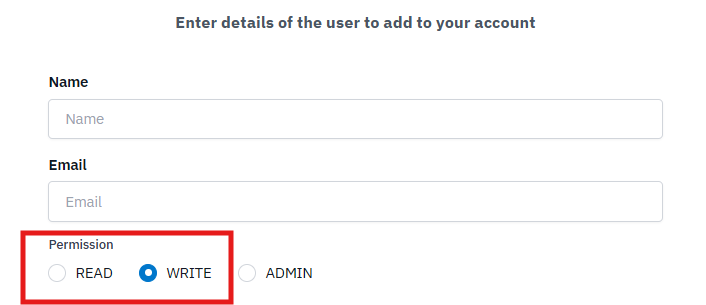
3. Select either the Read or Write level permissions for this user
4. Scroll below the list of available features for each permission type to enable the Toggle for View Journal and Transaction Detail
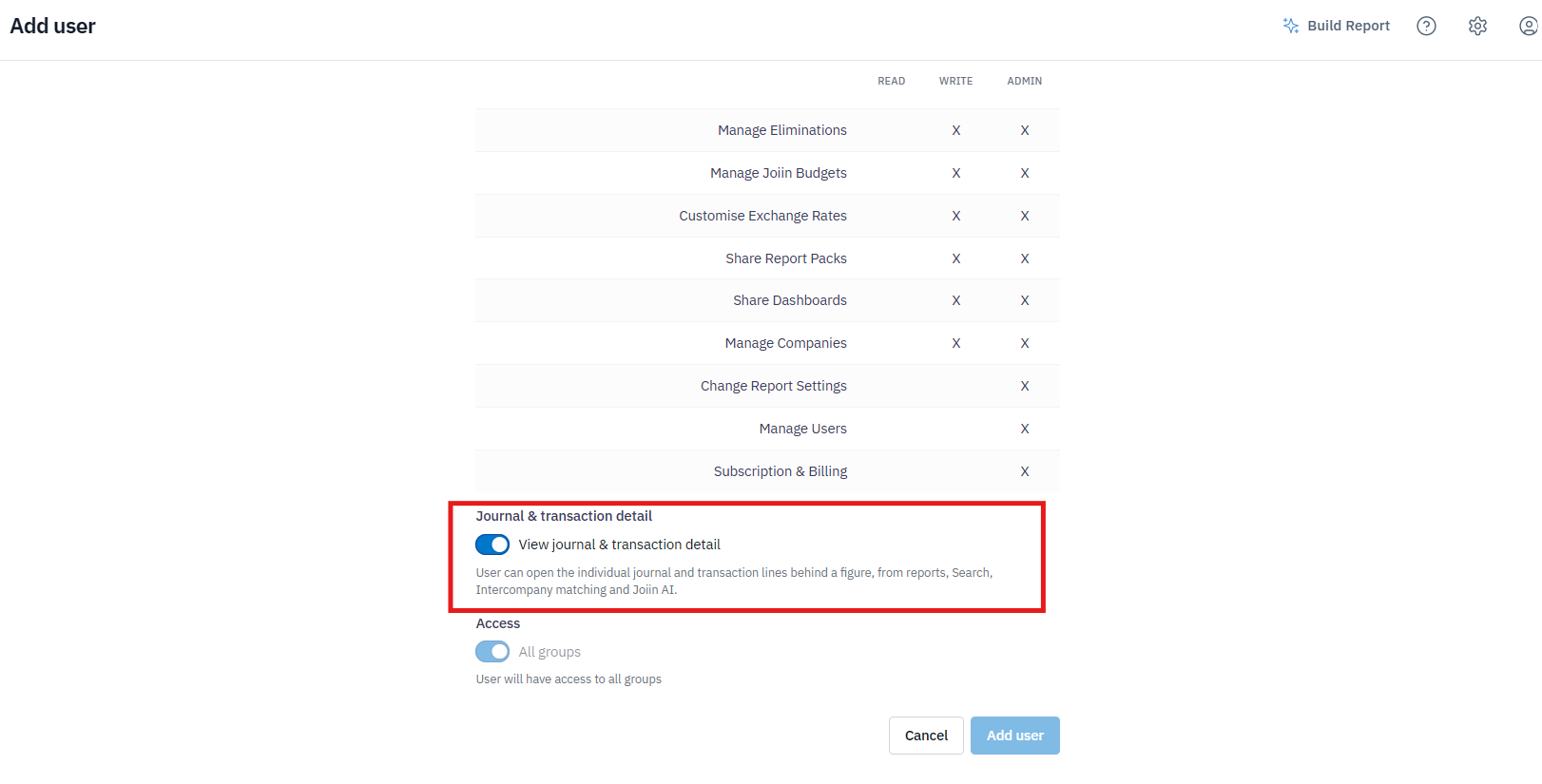
5. Once enabled click the button to Invite the user or Save the changes in permissions.
The selected user will no longer be able to click on a value on reports in order to view the transactional detail however will still see the total for each account. This will help to prevent access to sensitive data such as employee names in payroll accounts.