
If you sign in to Joiin with Xero or QBO SSO and you’ve changed the email address in your Xero/QBO account, you’ll need to update it in Joiin too. Otherwise, Joiin won’t recognise your Xero/QBO login.
Before you start: make sure you can still sign in with your old email address.
If you can't complete the next step, have a colleague invite your new email address, or, if that doesn't work, contact support. - Go to the Joiin sign-in page and sign in using your old email address and password.
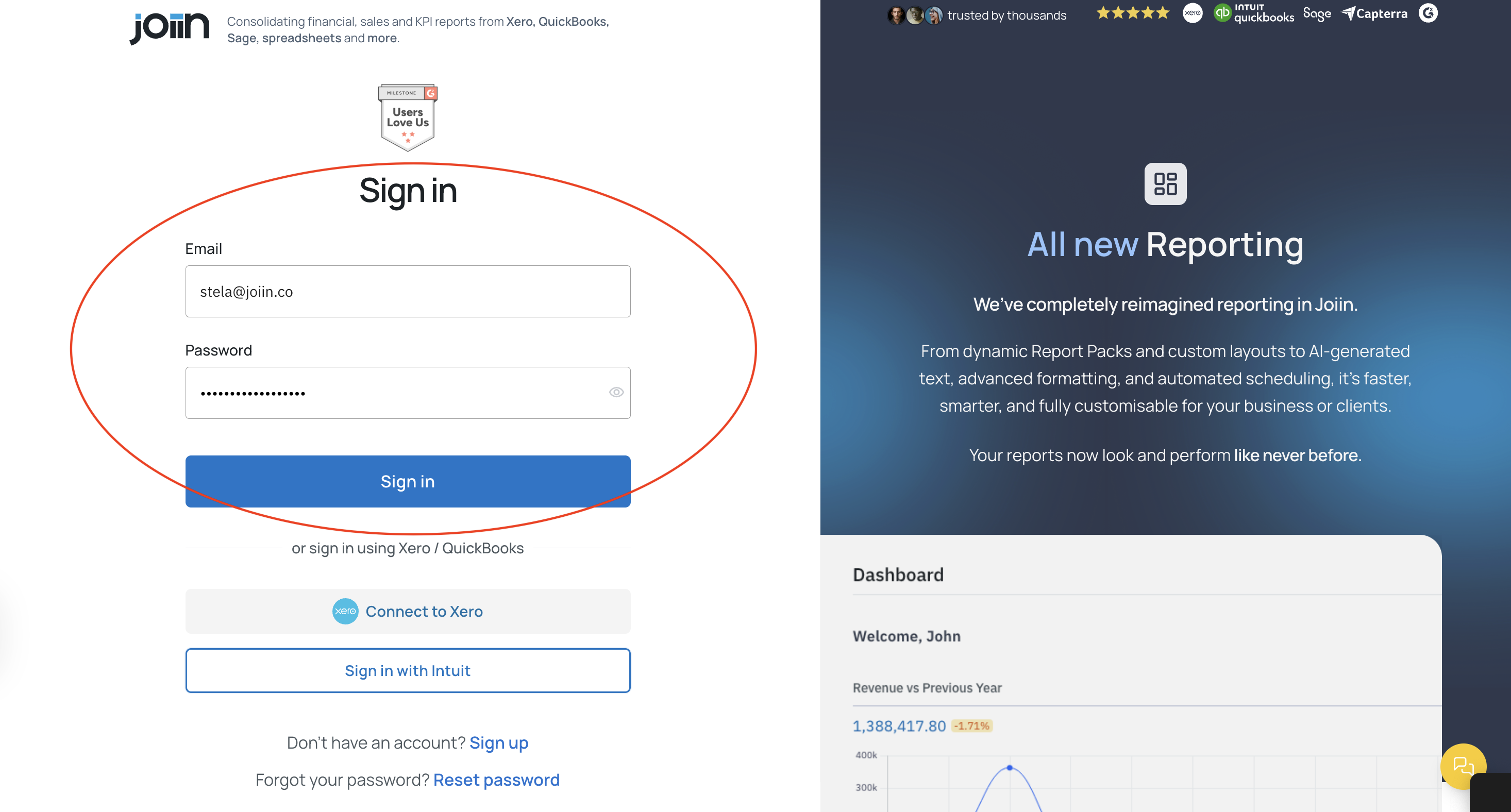
- Click the Settings icon and go to the Users page.
- Add your new email address as a new user. (Joiin will send an invite to your new email address)
- Sign out of Joiin.
- Open the email and accept the invite.
- Go back to the Joiin sign-in page, click Connect to Xero or Connect to QBO.
This will link your SSO and email address for future logins.
Optional tidy-up: if your old email was the subscription owner, change the owner to your new email via the person icon, then remove the old email from the Settings > Users page.